




Google Search Console helps identify SEO opportunities by analyzing performance data like clicks, impressions, CTR, and keyword rankings. By leveraging reports such as Performance, Pages, and Queries, marketers can quickly uncover underperforming pages, optimize content, and improve visibility in search results.
Introduction
Most marketers don’t struggle with doing SEO,they struggle with knowing where to focus next.
That’s where Google Search Console (GSC) becomes a competitive advantage.
Instead of guessing keywords or relying only on third-party tools, GSC gives you first-party data directly from Google, revealing exactly how your site performs in search.
The real power?
You can use it to find quick SEO wins faster than your competitors, if you know where to look.
Key Takeaways
- Google Search Console provides real user search data directly from Google
- The Performance report is the fastest way to uncover SEO opportunities
- Focus on high impressions + low CTR keywords for quick wins
- Pages ranking in positions 5–20 are prime optimization targets
- GSC helps identify content gaps, indexing issues, and technical errors
- Combining queries + pages data reveals hidden growth opportunities
- SEO success with GSC is about pattern recognition, not just metrics
What is Google Search Console (And Why It Matters for SEO)?
Google Search Console is a free tool by Google that allows you to monitor, analyze, and optimize your website’s visibility in search results.
Why it matters:
- Shows actual keywords people use to find your site
- Provides click and impression data directly from Google
- Helps identify technical SEO issues (indexing, coverage, mobile usability)
- Enables faster data-driven SEO decisions
Unlike tools like Ahrefs or SEMrush, GSC doesn’t estimate—it shows real performance data.
How to Use Google Search Console to Find SEO Opportunities?
1. Use the Performance Report to Spot Quick Wins
The Google Search Console Performance report is your goldmine.
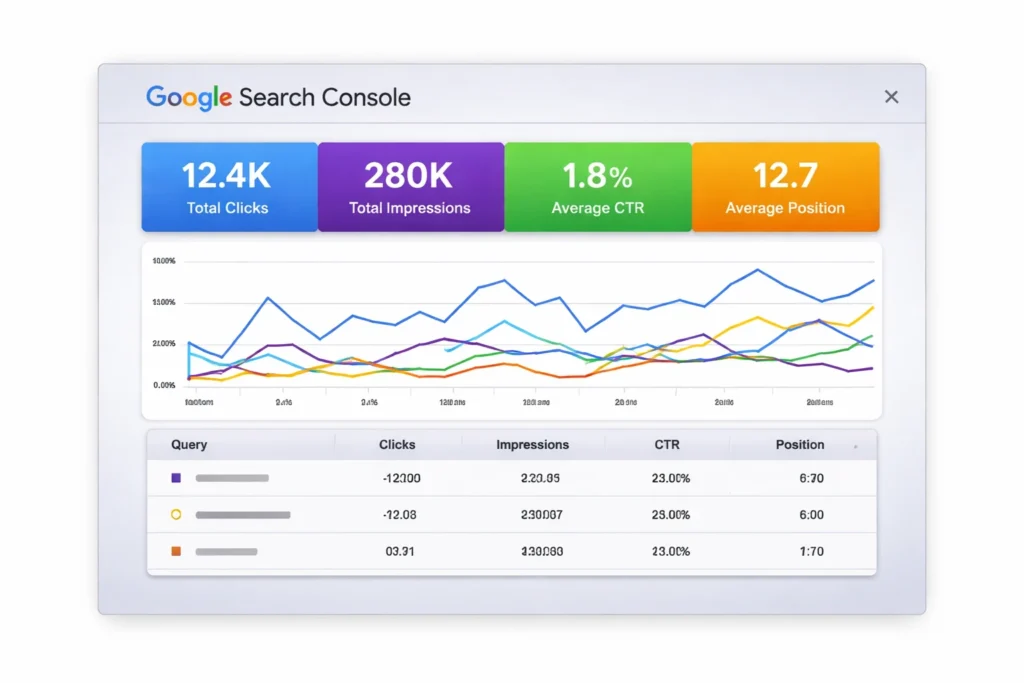
Focus on these four metrics:
Clicks
Impressions
CTR (Click-Through Rate)
Average Position
Opportunity Framework:
| Scenario | What It Means | Action |
|---|---|---|
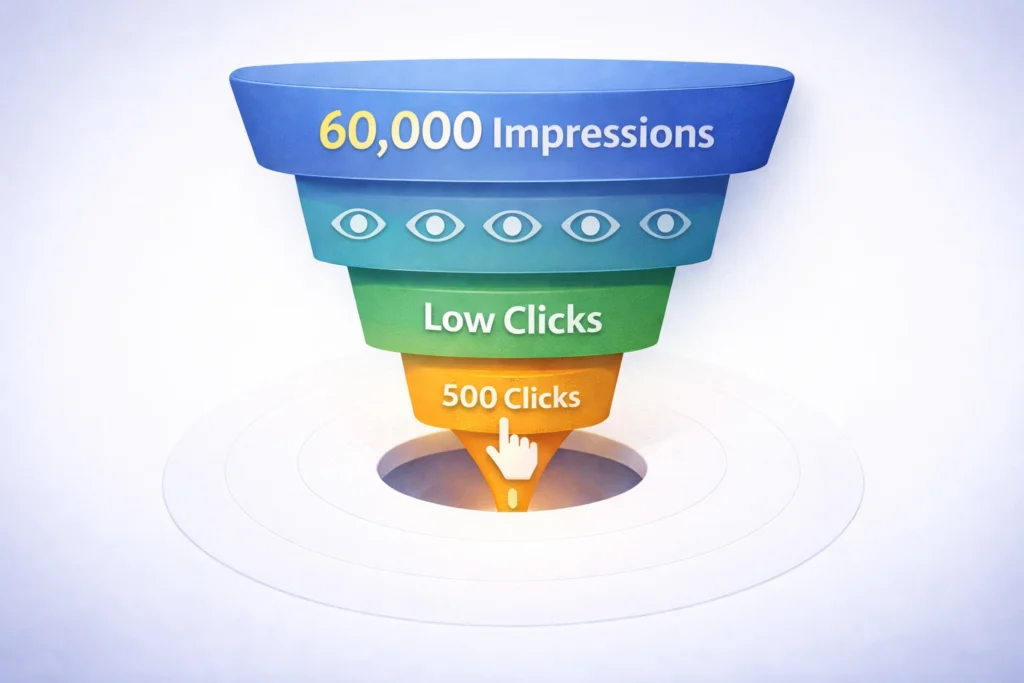
| High impressions + Low CTR | People see but don’t click | Improve title & meta description |
| Position 5–15 | Ranking but not top | Optimize content depth & relevance |
| High clicks + declining trend | Losing traction | Refresh/update content |
| Low impressions | Poor visibility | Improve keyword targeting |
2. Find High-Impression, Low-CTR Keywords
These are the fastest SEO wins.
How to identify:
Go to Performance → Queries
Sort by Impressions (high to low)
Look for low CTR (<2–3%)
What to do:
Rewrite your title tags
Improve meta descriptions
Align content with search intent
This alone can significantly boost traffic without new content.
3. Identify Pages Ranking on Page 2 (Positions 5–20)
This is where most untapped growth lives.
How to find:
Go to Performance → Pages
Filter average position between 5 and 20
Optimization strategies:
Add more depth and subtopics
Improve internal linking
Update outdated information
Include FAQs for AEO optimization
4. Combine Queries + Pages for Deeper Insights
This is where most marketers stop, but the real insight is in combining data.
Process:
Click on a page in the Pages tab
Switch to Queries
Analyze which keywords that page ranks for
What you’ll discover:
Keywords you didn’t intentionally target
Opportunities to expand content sections
Missing intent coverage
5. Use the Pages Report to Improve Content Performance
The Pages tab shows which URLs drive traffic.
Look for:
Pages with high impressions but low clicks
Pages losing performance over time
Pages ranking for irrelevant queries
Actions:
Re-optimize content structure
Improve headline clarity
Fix content mismatch with intent
6. Fix Indexing Issues (Hidden SEO Opportunities)
Sometimes the problem isn’t content, it’s visibility.
Check:
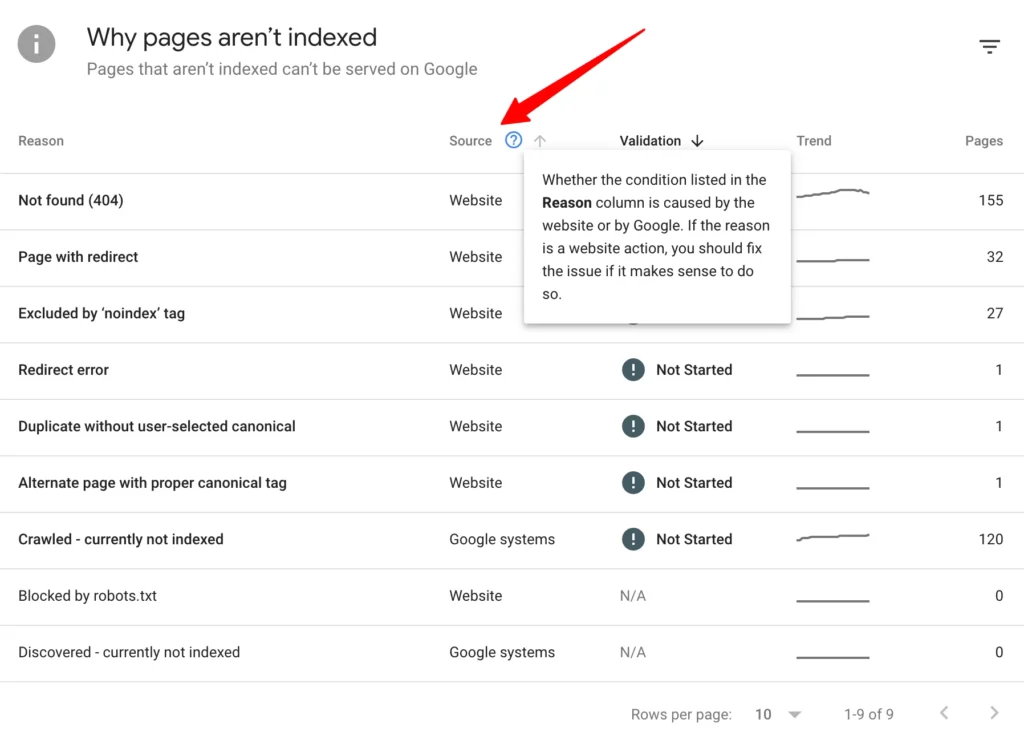
Coverage report
Pages not indexed
Common issues:
Crawled but not indexed
Duplicate content
Noindex tags
Fixing these can unlock instant SEO gains without new content.
What Most Marketers Get Wrong About Google Search Console?
Most people treat GSC as a reporting tool.
That’s the mistake.
The real shift:
| Old Approach | Smart Approach |
|---|---|
| Check rankings | Analyze patterns |
| Look at clicks | Look at opportunities |
| Focus on keywords | Focus on intent + pages |
| Use occasionally | Use weekly for decisions |
The truth:
GSC is not just data, it’s a decision engine.
The marketers who win are the ones who:
Identify patterns
Act quickly
Continuously optimize
A Simple Weekly GSC Workflow for SEO Growth
If you want consistent results, follow this:
Weekly Routine:
Check Performance report
Identify:
High impressions + low CTR queries
Pages in positions 5–20
Optimize:
Titles & meta descriptions
Content depth
Review indexing issues
Track improvements
How Google Search Console Fits Into Modern SEO (AEO + GEO)?
Search is evolving beyond traditional rankings.
Today’s SEO requires:
| Area | Role of GSC |
|---|---|
| SEO | Keyword + performance tracking |
| AEO (AI Overviews) | Identify question-based queries |
| GEO (Generative SEO) | Optimize for intent + structured answers |
Insight:
GSC helps you understand how users search, which is critical for:
AI-driven results
Voice search
Featured snippets
Conclusion
Google Search Console is not just a diagnostic tool, it’s your fastest path to actionable SEO insights.
If you focus on:
High-impression keywords
Page 2 rankings
Content alignment with intent
You can unlock consistent, compounding growth without creating endless new content.
The real advantage isn’t access to data, it’s knowing how to act on it faster than others.
FAQs
How do beginners use Google Search Console for SEO?
Start with the Performance report. Focus on queries, impressions, CTR, and positions to identify optimization opportunities.
What is the most important report in Google Search Console?
The Performance report is the most valuable because it shows real search data, including keywords, clicks, and rankings.
How can I improve SEO using Google Search Console?
Focus on:
High impressions + low CTR
Pages ranking in positions 5–20
Fixing indexing issues
How often should I check Google Search Console?
At least once a week to identify trends, opportunities, and technical issues early.
Is Google Search Console enough for SEO?
It’s essential but not sufficient alone. Combine it with tools like Google Analytics and keyword research tools for a complete strategy.

