
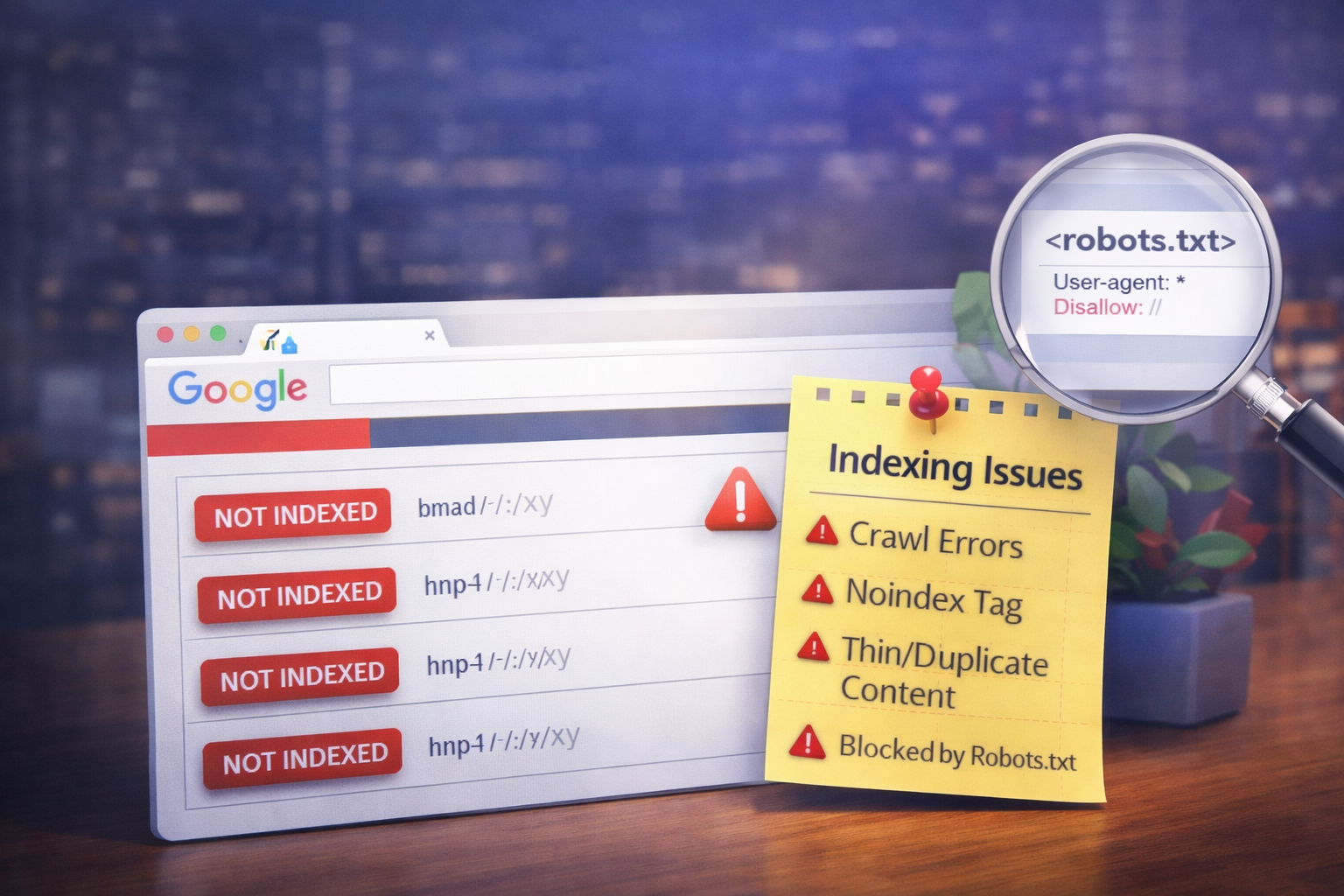
Pages not indexed by Google are blocked by one of two causes: a technical block (robots.txt, noindex tags, or canonical misconfigurations) or a quality signal issue (thin content, duplication, or low E-E-A-T). Each requires a completely different fix. Diagnosing which one — using GSC’s URL Inspection tool — comes before any optimization attempt.
Introduction
You published the page. Google has had weeks to find it. It still doesn’t appear in search results.
This isn’t a rankings problem — it’s an indexation problem. And the reason it’s frustrating is that every cause looks identical from the outside: the page simply doesn’t appear. A misplaced noindex tag, a robots.txt block from a developer, a canonical pointing the wrong way, or a quality decision Google made silently — all produce the same symptom.
This guide gives you the diagnostic workflow to identify which problem you’re dealing with, then fix it in the right order. No guessing. No applying technical fixes to content problems.
Key Takeaways
URL Inspection Live Test is the only authoritative confirmation — the Coverage report lags by days and experienced a 30-day freeze in late 2026.
Four GSC statuses diagnose four different problems — conflating them produces wrong fixes every time.
Google can’t index pages with technical blocks; Google won’t index pages it considers low-quality — the fix is completely different for each.
Crawl budget only becomes a genuine constraint above 1 million pages weekly — below that threshold, the problem is server speed or content quality.
Requesting indexing twice without resolution means the underlying cause must be fixed first — more submissions change nothing.
How to Confirm a Page Is Actually Not Indexed
Start here before anything else. ‘Not ranking’ and ‘not indexed’ are different problems with different fixes.
Open GSC’s URL Inspection tool, paste the full URL including https://, and read the status. Always run the Live Test — the default view shows the last cached version, not the current page. If the Last crawl date field is empty, Google hasn’t found the page at all. That’s a discovery problem, not an indexing problem, and requires a different intervention entirely.
One 2026-specific caution: the GSC Page Indexing report experienced a near 30-day data freeze beginning in November 2026. Teams actioning GSC Coverage report data during that window made decisions on information weeks out of date. When the report and URL Inspection conflict, URL Inspection is always authoritative.
Reading GSC's Four Coverage Statuses
Each status points to a distinct root cause. Using the wrong fix for a given status wastes weeks.
| Status | Root Cause | Correct Fix |
|---|---|---|
| Discovered — not indexed | Crawl priority problem — Google found it but hasn’t fetched it | Add internal links from indexed high-authority pages |
| Crawled — not indexed | Quality decision — Google visited and chose to exclude | Improve content depth, E-E-A-T, consolidate thin pages |
| Excluded by noindex | Instruction problem — explicit directive to not index | Remove noindex tag; check X-Robots-Tag HTTP headers too |
| Blocked by robots.txt | Access problem — Googlebot stopped before reading page | Allow crawling in robots.txt; move noindex to HTML head |
Critical: ‘Crawled — not indexed’ saw a sharp spike in mid-2026 following the June Core Update. Google moved beyond ranking suppression to direct deindexing for quality failures — pages that survived 2024 without issue were dropped. The update specifically targeted content that paraphrases existing sources without original analysis, named author credentials, or first-hand experience.
Technical Blocks: The Three Causes and Their Fixes
Robots.txt, noindex tags, and canonical misconfigurations are distinct problems that look identical in GSC. Fixing the wrong one makes the problem worse.
- Robots.txt: Stops Google before it evaluates content. If you also have a noindex tag on the same page, Google can never see it — the crawler was stopped first. Fix: allow crawling, apply noindex in the HTML head instead. Never block and noindex the same URL.
- Noindex tags: Often hidden in X-Robots-Tag HTTP headers added by CMS plugins without touching HTML. Page source inspection misses these. URL Inspection Live Test shows what Googlebot actually received — use that, not view-source.
- Canonical misconfigurations: The most damaging because least visible. A canonical pointing to a noindexed URL creates contradictory signals that reliably produce indexation failure. Always verify the canonical destination is itself indexable. Check the ‘Google-selected canonical’ field in URL Inspection separately from your declared canonical — if they don’t match, Google is overriding your tag.
When Google Can Access the Page But Won't Index It
This is ‘Crawled — currently not indexed.’ No technical fix resolves it. The problem is editorial.
Thin content doesn’t mean short. It means insufficient depth relative to what’s already indexed on that topic. A 3,000-word page paraphrasing five existing articles is thinner than a 600-word page with original research and a named expert author. Internal linking doesn’t save thin pages — Google is ignoring link equity if the content doesn’t hold up independently.
Since June 2026, E-E-A-T is an indexing requirement, not just a ranking factor. Pages without named author attribution, verifiable credentials, or first-hand experience face direct deindexing risk. The fix sequence: consolidate thin pages before improving them. Two weak pages merged into one substantive piece produce a stronger indexing signal than improving either individually.
Topical misalignment compounds the problem. A page on a topic unrelated to your site’s subject matter faces a higher indexing bar regardless of content quality — Google assesses domain relevance, not just page relevance.
How to Request Indexing and What to Do When It Fails
Submit the URL via GSC’s URL Inspection tool. The daily limit is 10–12 manual submissions — prioritize revenue-critical URLs. After submission, run the Live Test to confirm Google sees your fixed version, not the cached problem state. Then check the actual SERP 7 days later to confirm Google is serving your updated page.
If a page stays unindexed after two requests, stop submitting. Repeated requests don’t override quality assessments. Fix the underlying cause first. The correct escalation: confirm via Live Test → verify the canonical destination is indexable → add internal links from indexed pages → update your sitemap → submit once. Sitemap and internal links together send a stronger signal than the submission alone.
Preventing Indexation Problems Before They Start
Most indexation failures are preventable decisions made weeks earlier in CMS settings nobody reviewed. Noindex rules for tag pages, canonicalization in templates, sitemap generation that only includes pages you want indexed — these structural decisions prevent entire failure categories.
Audit every 4–6 weeks. A robots.txt typo from a developer can block entire site sections for months before traffic impact surfaces. Filter your GSC Page Indexing report by your XML sitemap — any sitemap URL not indexed within 14 days of publication should be investigated immediately.
One 2026 risk most guides miss: Single Page Applications serving a 200 OK shell for pages that load error states via JavaScript. Google indexes the empty shell. Check URL Inspection’s ‘View rendered HTML’ to confirm Googlebot sees actual page content — not just the application framework.
Conclusion
Every indexation problem is one of two things: Google can’t access the page, or Google won’t index it after access. The diagnostic sequence determines everything — confirm via URL Inspection Live Test, read the specific Coverage status, check whether the block is technical or editorial, apply the matching fix, verify, and submit once.
The June 2026 environment raised the stakes. Quality failures now produce direct deindexing, not just ranking suppression. Fix the right problem in the right order, and the pages that should be indexed will be.
Frequently Asked Questions
Why are my pages not indexed by Google?
Pages missing from Google’s index have one of two causes: a technical block (robots.txt, noindex tags, or canonical misconfigurations) or a quality decision (Google visited and chose to exclude due to thin content, duplication, or weak E-E-A-T). Since the June 2026 Core Update, quality-based deindexing has expanded significantly. Use GSC’s URL Inspection Live Test to confirm which applies before fixing anything.
What is the difference between 'Crawled — not indexed' and 'Discovered — not indexed'?
‘Discovered — not indexed’ means Google found the URL but hasn’t fetched it — a crawl priority problem fixed by stronger internal links. ‘Crawled — not indexed’ means Google visited and made a quality decision to exclude — a content problem requiring depth improvements or page consolidation. Applying a technical fix to the second status produces zero improvement.
How long does it take for Google to index a page after requesting indexing?
Typically, a few days to two weeks for established sites. Requesting indexing multiple times doesn’t accelerate the process — Google responds to priority signals, not submission volume. If a page remains unindexed after two requests, resolve the underlying cause first, then submit once more alongside a sitemap update.